Are you about to head out on a new adventure and don't have a satellite navigator?
Do you think its price is too high?
Did you know you can use your smartphone as a satellite navigator?
Our smartphone can be a useful tool when taking on a new challenge somewhere in our beloved Andes mountain range or anywhere else in the world.
The location feature on mobile and smart devices can work without needing to be connected to mobile data or a Wi-Fi network.
A smartphone's satellite navigator (GPS or location) works by connecting to a network of satellites in orbit that cover the entire surface of planet Earth. By turning on location, we allow our device to locate us through this satellite network, in a way similar to the reverse intersection (triangulation) we do in the field with a topographic map and a compass.
Nowadays there are several apps that let us work with our phone's location: for example Wikiloc, View Ranger, Gaia GPS (Topographic Maps), etc. Which app to choose will depend on the rugged area where the activity will take place.
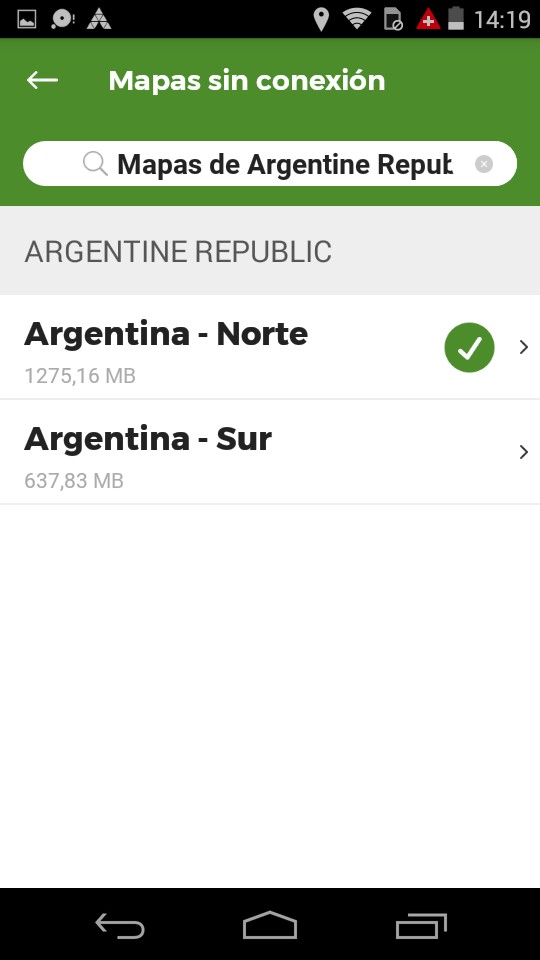
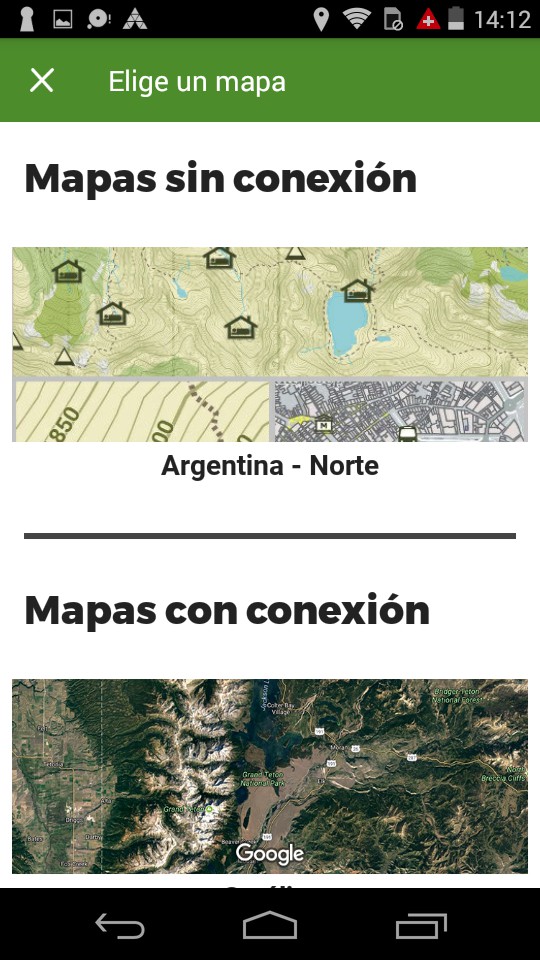
In particular, I recommend using the Wikiloc app. It can be downloaded from the smartphone's Play Store. This app lets us work with “online” maps and “offline” maps (satellite imagery and/or terrain). The difference between the two comes down to whether or not you have a data or Wi-Fi connection available. To work with an “offline” map, we need to download a map the app offers.
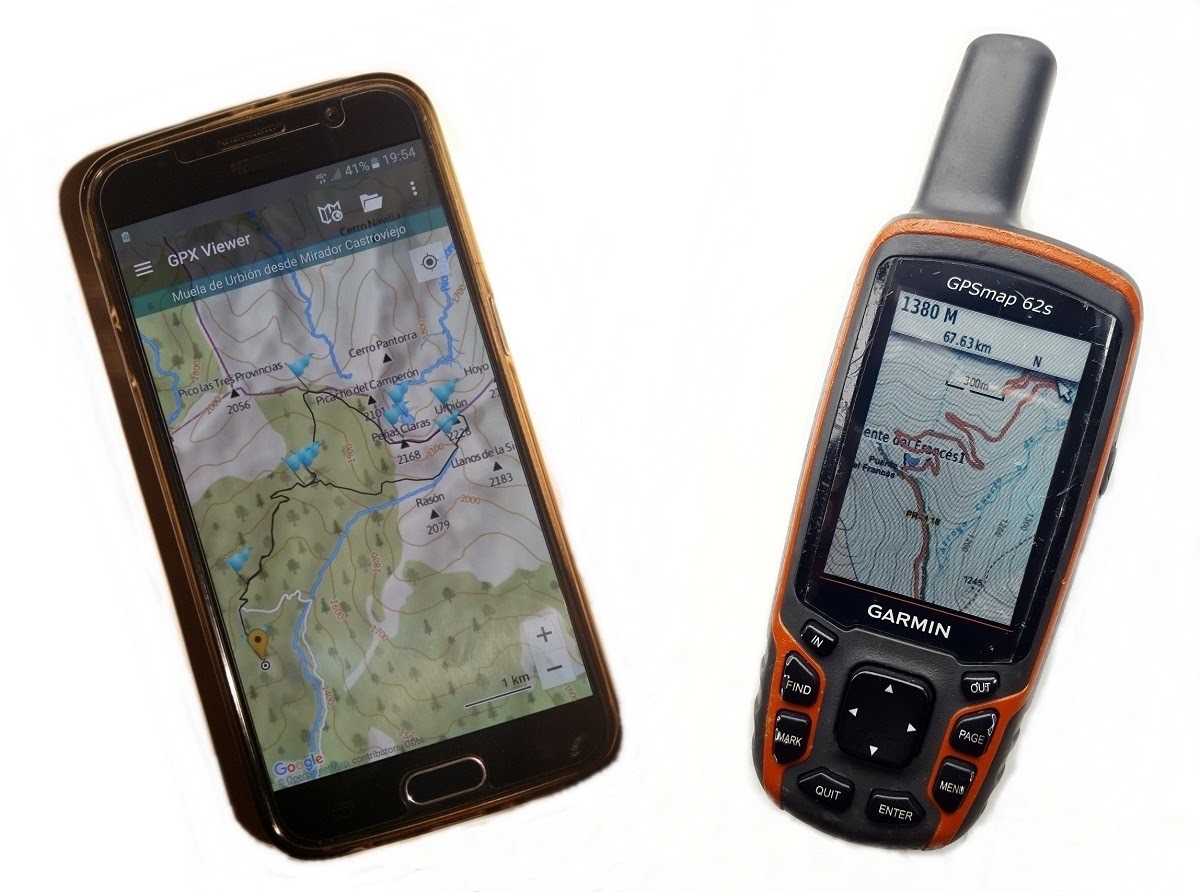
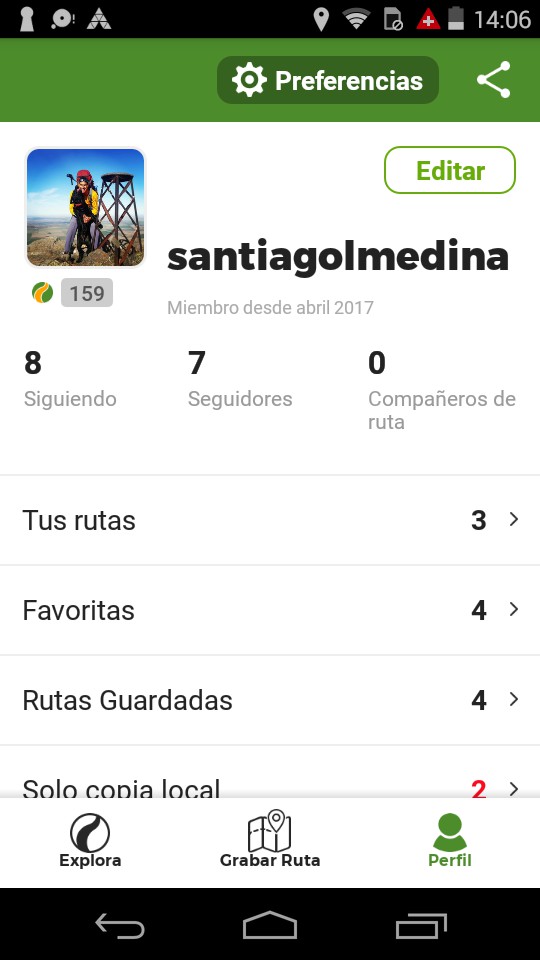
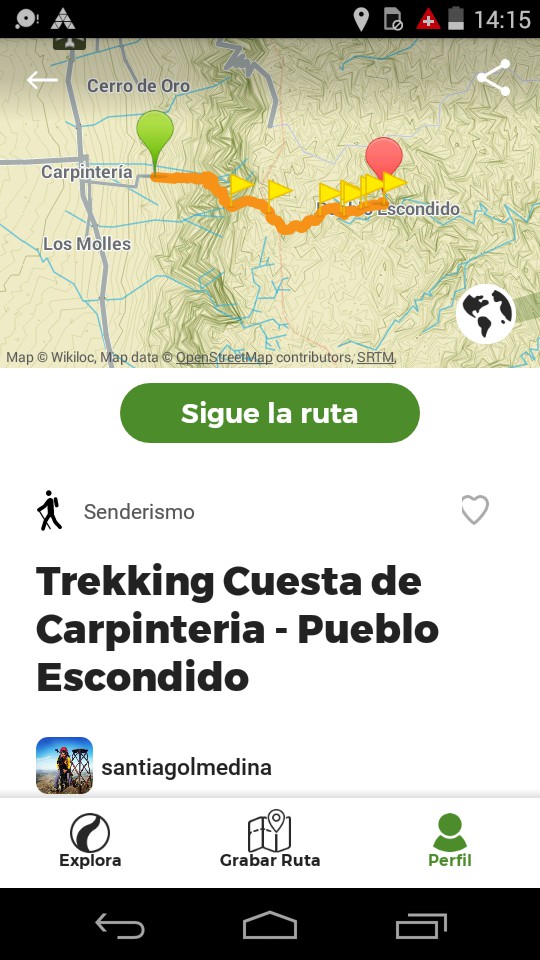
In addition, the Wikiloc app gives us information similar to what a track processor on a Garmin or other brand satellite navigator offers. That is, it lets us know the distance covered, current speed, moving time, stopped time, total activity time, current altitude, maximum altitude reached, elevation profile, etc. All this information can be shared with the public.
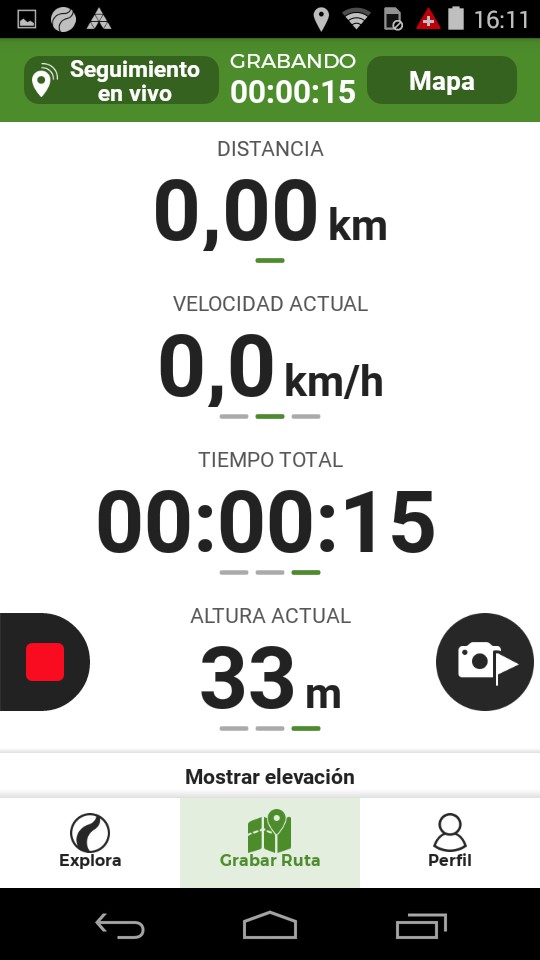
It's important to know that the app and active location don't quickly drain the device's battery, and that it can be used for several days depending on how well it's managed (turning off the device when not in use, enabling offline mode and/or keeping the smartphone inside your sleeping bag on cold nights).
The app can be used for free to log individual adventures and later keep statistics on your activities. However, to be able to use a route made by another person, you'll need to purchase a Premium package, which today costs US$11.15 for 1 year or US$5.56 for 3 months.
If we don't want to pay for the subscription mentioned above, we can use the app to orient ourselves by comparing the terrain with the map's contour lines, and if in doubt, use the track we've recorded as a guide, since it gets logged on the device as we move across the terrain.
Finally, it's important to keep in mind that satellite navigators, satellite trackers, and smartphones are instrumental methods that should be part of our personal gear. Also, when deciding to head out into the field, we shouldn't forget to research the area to be visited in great detail, obtain its maps, take a good orientation course, and if the adventure exceeds our mental and physical limits, choose to book a trip led by professional guides.